Save any webpage as a full-page PDF
A Chrome extension that captures entire webpages — including scrollable areas — as searchable PDFs with clickable links.
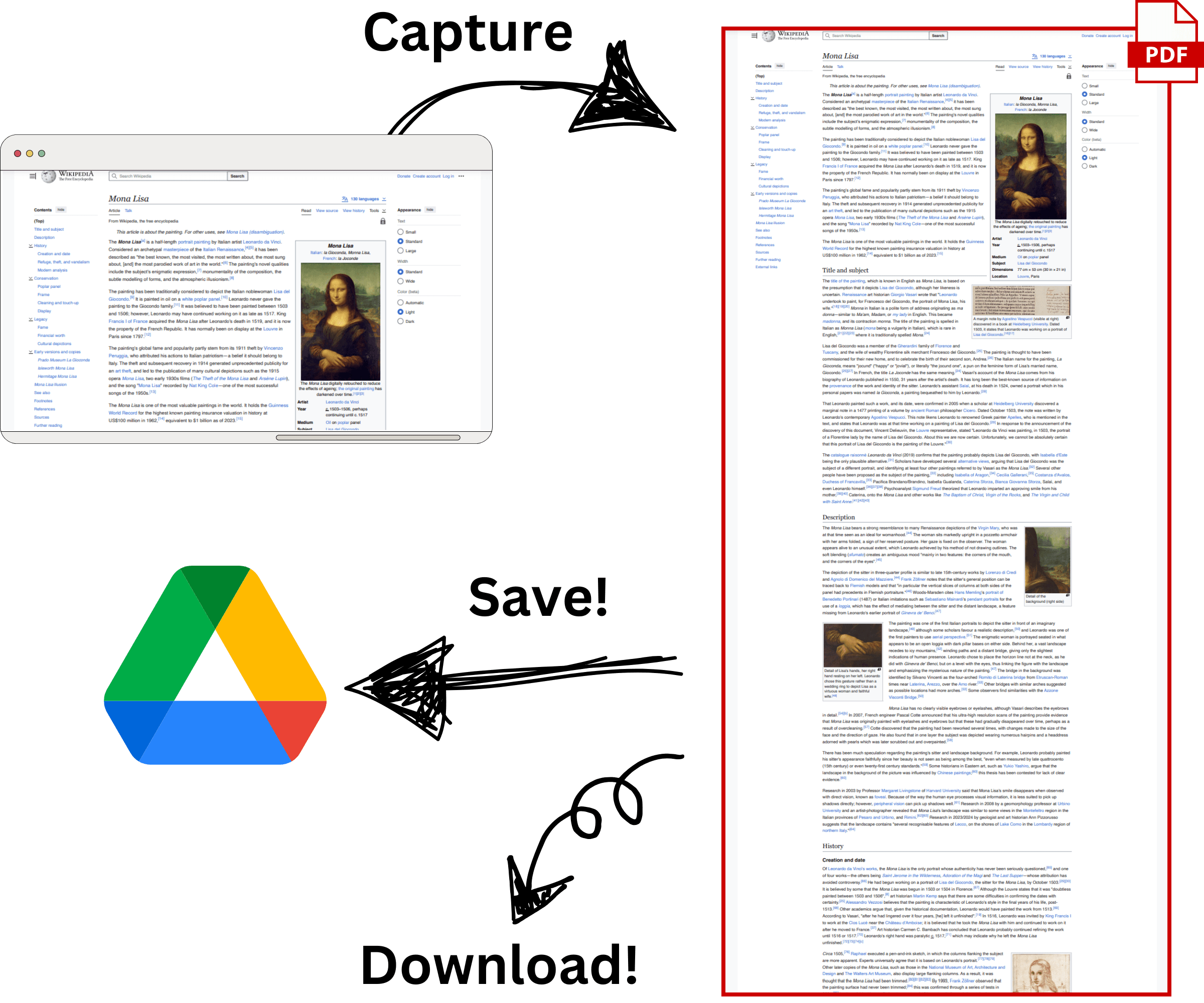
See it in action
A full page capture from start to finish
Links stay clickable. Text stays searchable.
Unlike screenshots, PDFs from FullPagePDF preserve hyperlinks, selectable text, and the original page formatting. Use Ctrl+F to find anything in the document.
Sharp text and images, not blurry screenshots
The output is a real PDF — not a stitched-together image. Text renders at full resolution and images stay crisp, so the result looks right in presentations and reports.

Handles complex pages other tools miss
Dashboards, social media feeds, e-commerce product pages — FullPagePDF detects multiple scroll areas and captures dynamic content that simpler tools cut off or skip entirely.

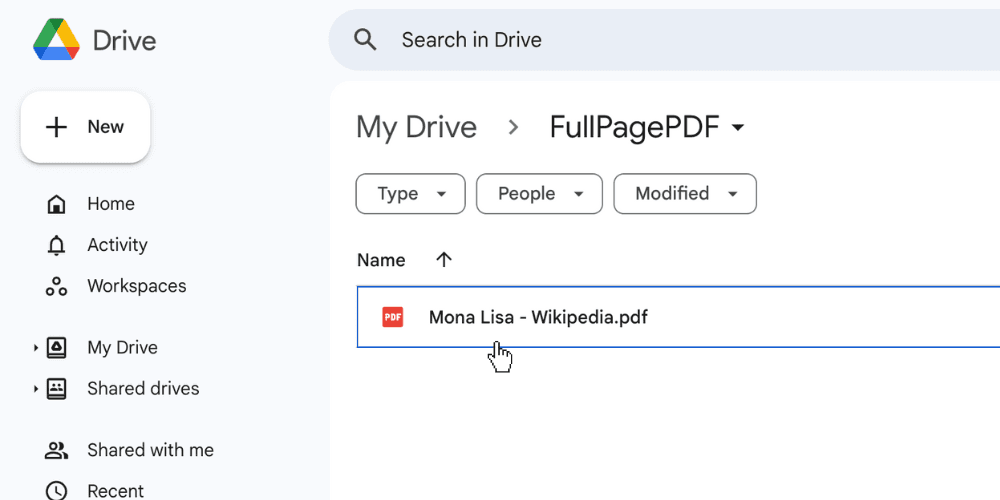
Auto-save to Google Drive
Captured PDFs can save directly to Google Drive alongside a local copy. No manual uploading, no digging through your Downloads folder.
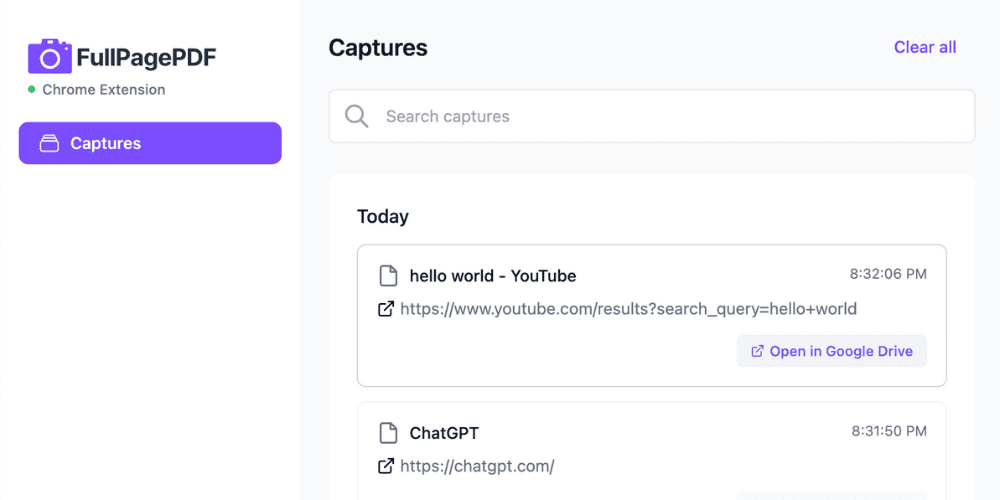
Built-in capture history
Every capture is logged locally with configurable retention. Browse past captures from the extension options — nothing is sent to external servers.
Frequently Asked Questions
Everything you need to know about FullPagePDF
Try it on any webpage
Install from the Chrome Web Store, open a page, and click capture. The PDF shows up in your downloads (and Google Drive, if connected).